Top 5 Craftybase.com Alternatives for 2026

Keeping financial data consistent and audit-ready across multiple client accounts drains productivity through manual transcription and file prep, so many solutions still require separate tools for categorization, client delivery, or QuickBooks export, which adds double entry and unnecessary reconciliation steps. This comparison covers batch import, tax mapping, audit output, and QuickBooks integration so accounting professionals can select software that fits their workflow and client volume.
Table of Contents
TaxBatchPro
At a Glance
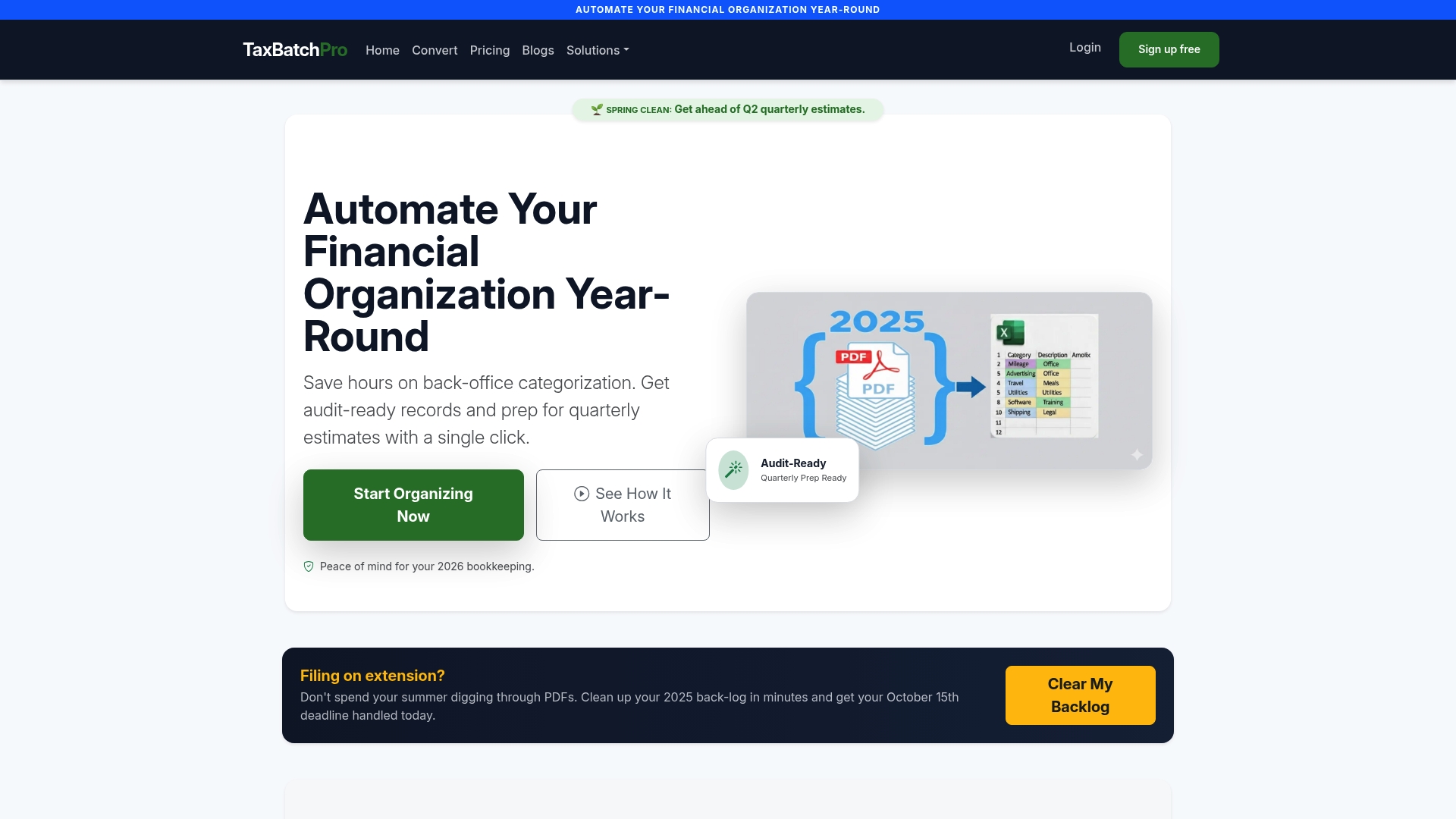
According to the company, TaxBatchPro can process a year’s worth of bank and credit card statements in under 90 seconds. The platform focuses on high-volume batch work and automated IRS Schedule C categorization. That combination targets tax preparers who need audit-ready output without manual transcription.
Core Features
TaxBatchPro accepts batch upload of multiple statement PDFs and merges them automatically into organized spreadsheets. The engine applies AI Schedule C tax categorization to map transactions to common small business categories. Security features include encrypted processing, automatic purging, and delivery of audit-ready ZIP files with renamed PDFs and spreadsheets.
Key Differentiator
TaxBatchPro centers on large-scale statement conversion and tax mapping rather than single-file OCR. Its workflow handles thousands of pages in grouped jobs and keeps outputs organized for tax filing. That focus reduces repetitive setup when an accounting team processes many clients each month.
Pros
TaxBatchPro's marketing materials state 95%+ accuracy on Schedule C categories. The vendor advertises fast throughput, with around 5 minutes reported for 3,000 pages, which lowers queue time for busy firms. The product packages results into searchable spreadsheets and ZIP bundles ready for client delivery or auditor review. Plans scale from limited free use up to enterprise options, which helps firms match capacity to month-to-month demand.
Cons
- Not ideal for low-volume or occasional processors; very small users will likely find the interface and pricing heavier than necessary.
Who It's For
Accountants, CPAs, and bookkeeping firms that process many client statements monthly will get the most value. Small business owners and freelancers who gather multiple accounts for annual taxes can use the tool when they need audit-ready exports. Solo users with one or two statements per month will find less benefit.
Unique Value Proposition
Audit-ready ZIP files with renamed PDFs and matching spreadsheets remove manual file preparation and reduce back-and-forth with clients. That output standardizes what the auditor or tax preparer receives, shortening review time and cutting down manual renaming and sorting. For firms, that can convert preparer hours into focused review time.
Real World Use Case
An accounting firm batches hundreds of client statements each month and submits them as grouped jobs. With that processing claim, the firm reduces manual categorization and produces a single ZIP containing renamed source PDFs and a tax-ready spreadsheet. The result simplifies monthly reconciliation and accelerates year-end tax assembly.
Pricing
Monthly plans start with a limited free tier and extend to paid professional and enterprise plans. Detailed tiers and quotas appear on the billing page. See exact limits and enterprise options on the vendor pricing page at plans.
Website: https://taxbatchpro.com
Smart Clerk
At a Glance
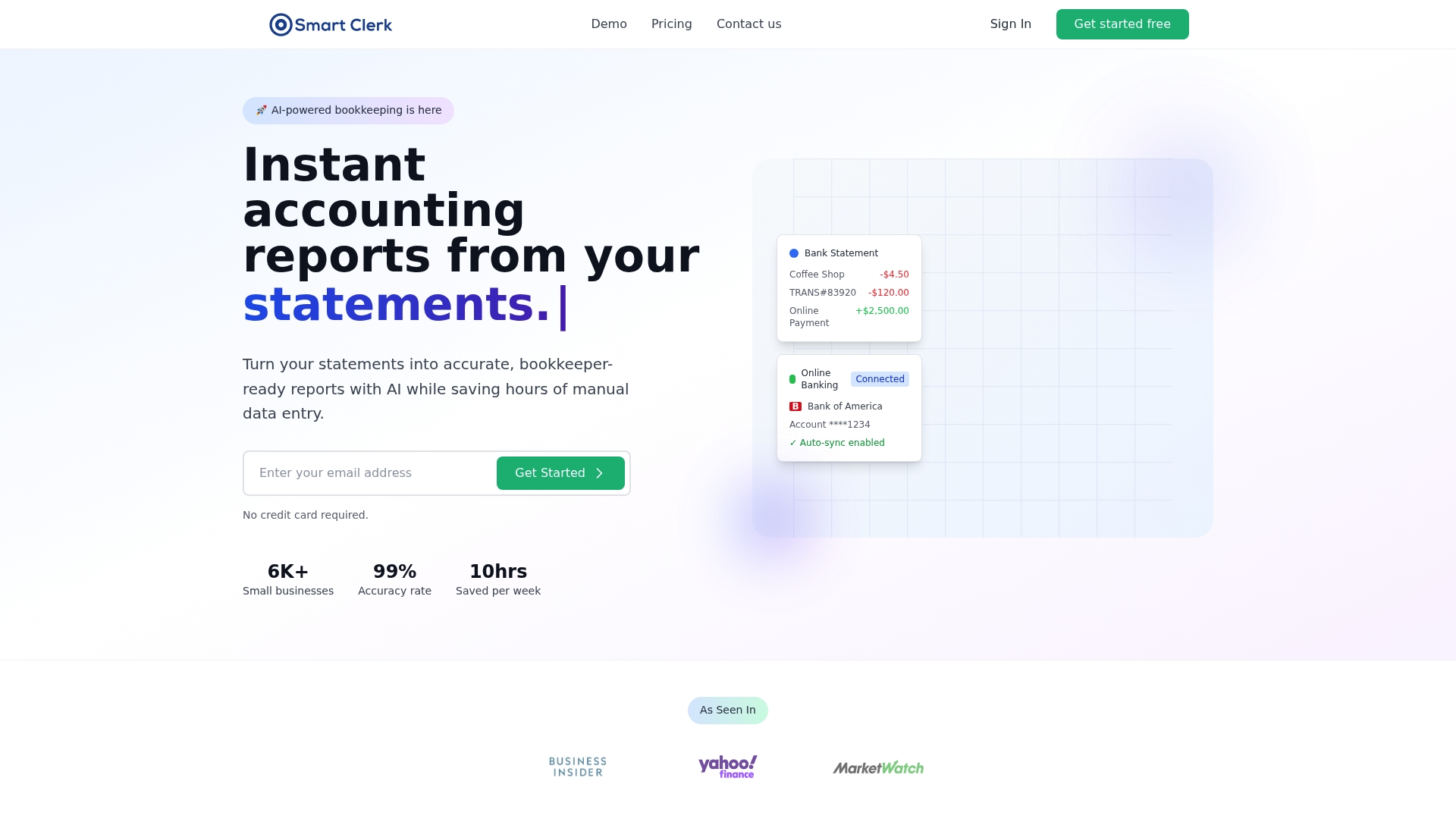
Smart Clerk's marketing materials state 99% accuracy for its AI-driven transaction categorization. The platform advertises instant, tax ready reports and real time bank feeds that keep accounts current. That positioning targets small businesses and tradespeople who want minimal manual bookkeeping.
Core Features
Smart Clerk supports Automatic bank statement import in any format and connects live bank feeds to maintain up to date transaction lists. The system uses AI-driven transaction categorization that learns from corrections and consolidates vendor records to catch duplicates. It also offers secure end to end encryption and read only access to protect financial data while producing profit and loss and balance sheet reports.
Key Differentiator
The vendor emphasizes the AI model and its 99% accuracy claim as the main differentiator. That accuracy claim is central because the system both categorizes transactions and adapts over time, reducing repetitive corrections for common vendors. This focus on self-learning categorization separates Smart Clerk from tools that only convert statements into spreadsheets.
Pros
The interface receives praise for simplicity, which reduces the learning curve for owners who handle bookkeeping themselves. Customer support and initial setup are reportedly responsive, and users can get reports without building spreadsheets. Secure handling with encryption and read only access addresses basic compliance and data integrity concerns while multi account support keeps multiple business accounts synchronized.
Cons
- Limited independent reviews exist, making third party validation sparse.
- Reliance on AI means complex or unusual accounting cases will need manual review and occasional correction.
- Historical data import for years before 2025 requires a fee, which raises costs for businesses with long backlogs.
When It May Not Fit
Businesses that require highly customized accounting workflows will likely find Smart Clerk too narrow for their needs. Larger firms needing fine grained permissions or advanced audit trails may need an alternative with more control. If you must import many years of legacy data without extra cost, this product will be a poor fit.
Who It's For
Smart Clerk fits small business owners, independent contractors, and tradespeople who want hands off categorization and quick financial snapshots. It suits operators who prioritize speed over granular customization and who will review AI decisions periodically. Owners who lack bookkeeping staff will find the automation useful for routine reporting.
Real World Use Case
A retail coffee shop links bank accounts and credit cards to Smart Clerk. The system categorizes sales, supplies, and bank fees automatically and consolidates repeat vendor entries. The owner then pulls a tax ready profit and loss report for monthly bookkeeping and tax prep without manual entry.
Pricing
Smart Clerk offers a free plan to start, making trial possible for solo operators. The company charges a fee for historical data import before 2025, which affects migration cost for established businesses. Advanced support or higher volume plans are not publicly listed.
Website: https://smartclerk.ai
Novat
At a Glance
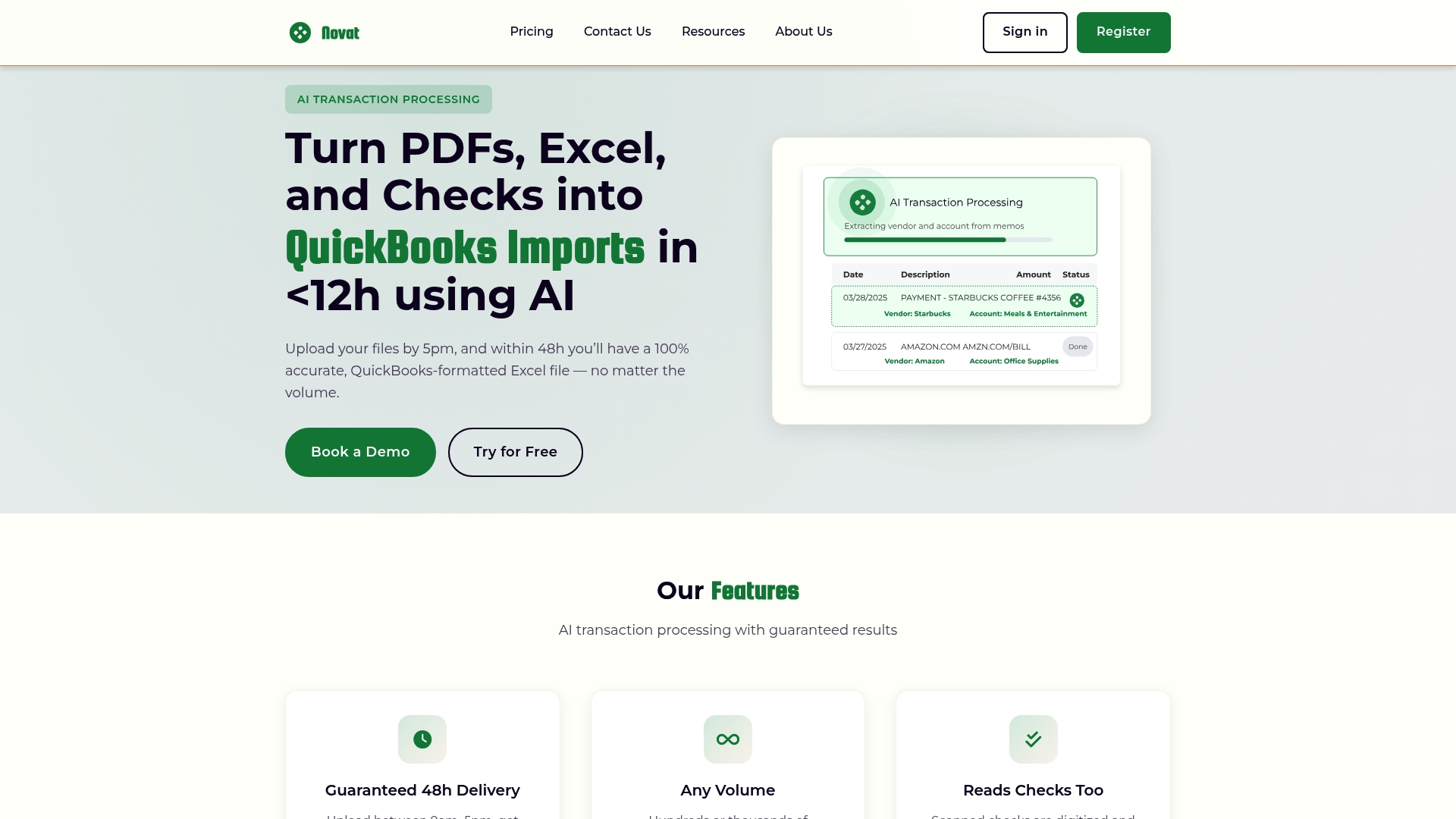
Novat reports a guaranteed 48-hour turnaround for processed files. The service targets accounting teams who need QuickBooks-ready Excel exports from PDFs, spreadsheets, and scanned checks. That 48-hour guarantee pairs with advertised support for high transaction volumes and check digitization.
Core Features
Novat uses AI transaction processing to extract line items from PDFs, Excel files, and scanned checks, then formats output for QuickBooks import. The platform supports bulk uploads and large-volume batches, and it returns files with categorized transactions ready for import. The workflow centers on upload, automated classification, and QuickBooks-compatible export.
Key Differentiator
The defining trait is the vendor's claim of a 48-hour guaranteed delivery combined with AI-driven categorization for high-volume processing. That turnaround promise aims to remove manual transcription during catch-up bookkeeping and month-end cleanups. For firms handling large statement batches, that delivery commitment shapes scheduling and client deadlines.
Pros
Novat combines fast processing with export formats that match QuickBooks import fields, which reduces spreadsheet rework for accountants. The product offers check digitization and reads scanned checks with reported high precision, helping clear older paper records quickly. Customer feedback highlights responsive support and a low cost per use model that suits pay per use workflows for one-off catch-up projects.
Cons
- Reported hidden billing practices and account balance requirements that some users found confusing.
- Perceived bait-and-switch advertising tactics surfaced in user feedback.
- Billing and plan adjustments have created confusion for some buyers.
- Dependence on document scan quality reduces accuracy for poor scans.
When It May Not Fit
Novat may not suit firms that demand full billing transparency and predictable monthly invoicing. Teams that accept low-quality scanned documents will see more classification errors. Firms that need built-in time tracking or bookkeeping ledgers will need additional software. Buyers who prefer on-premise processing rather than a hosted service should look elsewhere.
Who It's For
Accounting professionals and bookkeepers who need rapid conversion of financial documents into QuickBooks-ready spreadsheets will find Novat relevant. It fits teams doing catch-up bookkeeping or handling large batches of bank statements. Novat appeals to practices that accept pay per use pricing and flexible turnaround windows tied to volume.
Real World Use Case
An accountant uploads a folder of client bank statement PDFs and several deposit check scans. Novat returns a QuickBooks-compatible Excel file within the guaranteed window, with most transactions categorized. The accountant imports the spreadsheet and spends far less time fixing transcription errors.
Pricing
Public pricing is not specified on the vendor site. User reviews mention pay per use pricing with competitive per-file costs, alongside concerns over billing clarity and account balance practices. Prospective buyers should request explicit pricing and billing terms before committing.
Website: https://novat.ai
Booke AI
At a Glance
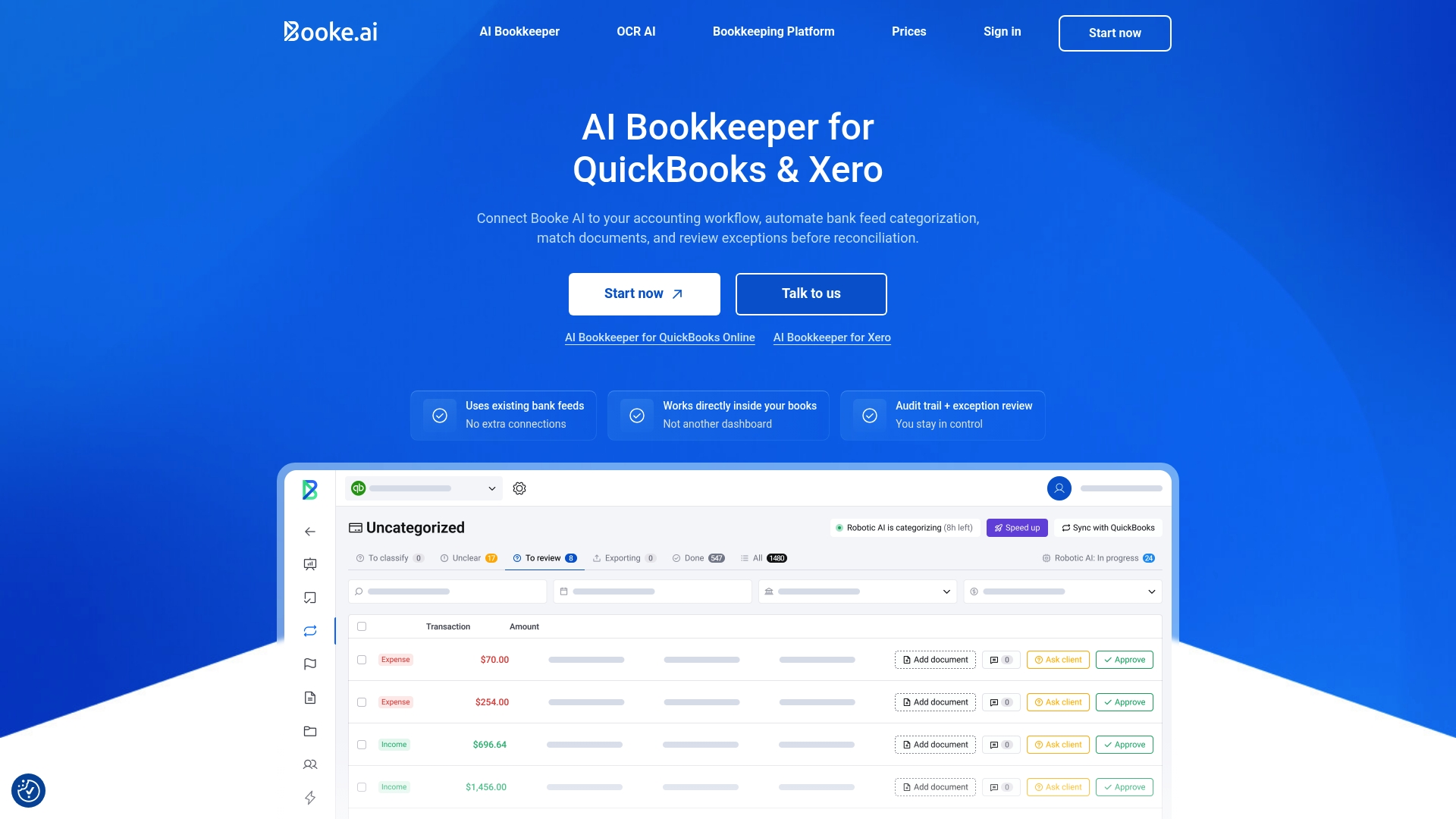
Booke AI's marketing materials state it reduces 80–95% of manual bookkeeping work while keeping human review in the loop. The product integrates directly into QuickBooks Online and Xero with no additional connections needed, so OCR AI handles invoices and receipts and normalizes line items and tax details. It also provides a built-in client portal and audit trail features aimed at firms managing multiple clients.
Core Features
Booke AI automates daily bank feed categorization and prepares reconciliation work inside QuickBooks Online and Xero, which keeps transactions in the native ledger. The platform pairs AI-driven document matching with intelligent exception routing and a client-facing portal for one-click queries and communications. It supports bulk document import and management workflows designed for accounts payable and receivable teams.
Key Differentiator
The standout is in-system automation that operates inside the accounting package rather than exporting data elsewhere. That design reduces context switching for bookkeepers and preserves the audit trail inside the accounting file. The product emphasizes keeping humans in the loop while removing routine work.
Pros
Deep integration with QuickBooks Online and Xero means staff process transactions where they already work and avoid duplicate entry. The vendor reports automation of a high portion of routine bookkeeping tasks, which frees staff to focus on exception review and advisory. The platform also includes a user-friendly client portal, audit trail features, and bulk document handling that suit firms with many active clients.
Cons
Demo scheduling and communication appear inconsistent, which frustrates firms trying to evaluate the product.
Some users report unreliable OCR performance and slower support response times that delay fixes.
Setup and the initial learning curve can be time consuming for teams with bespoke chart of accounts.
Occasional performance bugs have been reported, which can interrupt daily reconciliation workflows.
When It May Not Fit
Firms that require flawless OCR for dense, multi-line vendor invoices may find the current OCR limits problematic. Organizations that depend on rapid vendor support or guaranteed response times should verify service levels before committing. Large enterprises with custom integrations outside QuickBooks or Xero may need a different architecture.
Notable Integrations
- QuickBooks Online
- Xero
- Zoho Books
Who It's For
Booke AI targets small to medium accounting firms and bookkeeping departments that manage many clients inside QuickBooks Online or Xero. It suits teams that want to reduce repetitive categorization and reconciliation tasks without leaving their accounting system. The platform matches firms that accept some automation in exchange for reassigning staff to exception work.
Real World Use Case
An accounting firm connects Booke AI to each client’s QuickBooks Online file and lets the platform categorize daily bank feeds automatically. Staff focus on flagged exceptions and client questions through the built-in portal while the system maintains a clear audit trail. The result is less manual entry and faster month end close for multiple clients.
Pricing
Pricing starts at $129 per business per month for firms, with enterprise and multi-client management available by request. Custom pricing applies for individual users or larger firms that need tailored onboarding or service levels.
Website: https://booke.ai
Kontolink
At a Glance
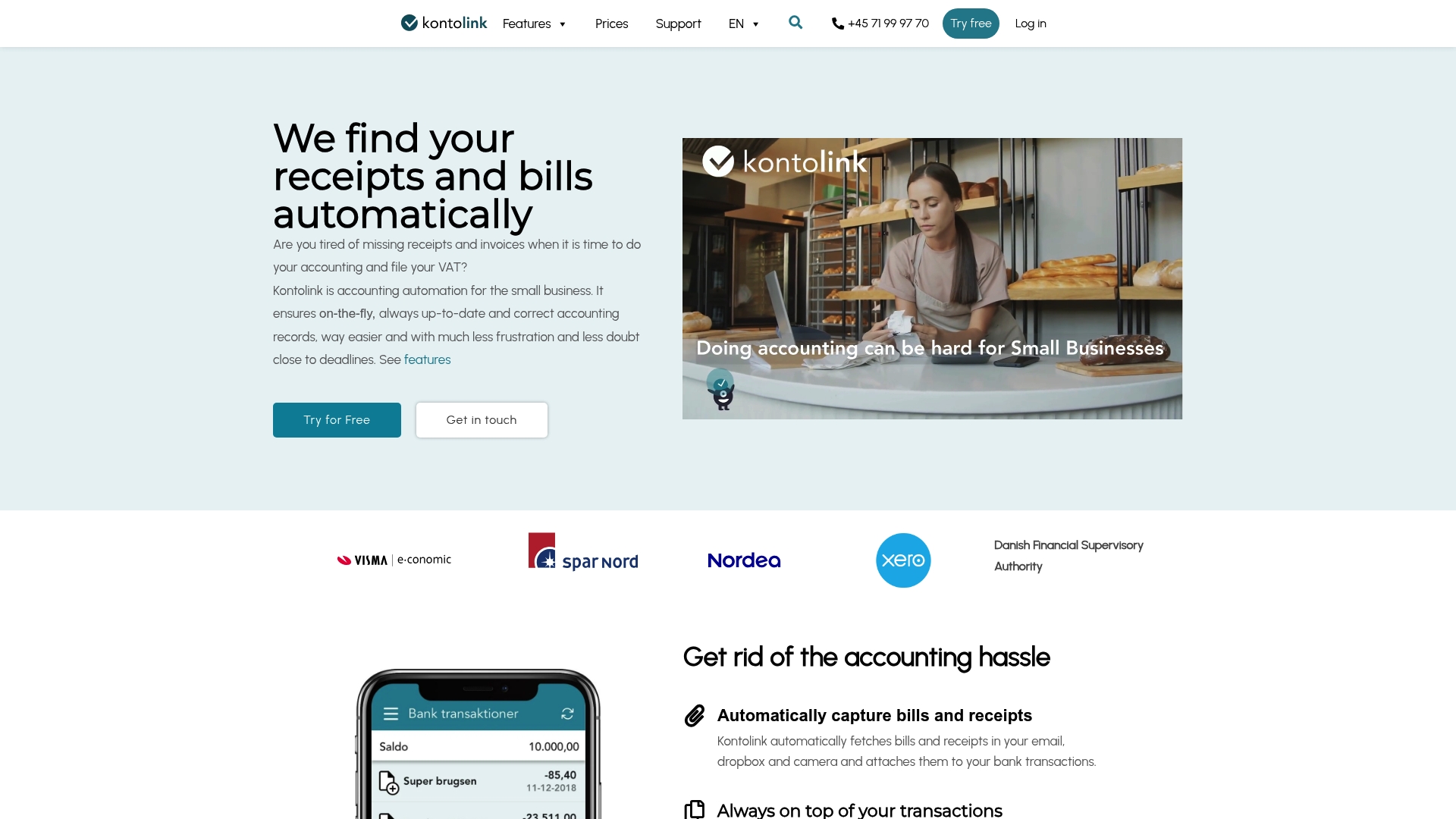
Kontolink lists pricing from €7 to €19/month after a free trial. The service focuses on capturing receipts from email, Dropbox, and mobile cameras and then matching those items to bank transactions. That makes it a compact automation tool for small firms that want less manual bookkeeping.
Core Features
Kontolink automatically captures bills and receipts from email, Dropbox, and a phone camera and extracts key data for bookkeeping. It performs real time transaction matching and categorization and offers bank transaction auto reconciliation. The product also supports touchless registration of customer payments and connects directly to accounting systems and payment services.
Key Differentiator
Kontolink emphasizes AI powered recognition that pulls receipts and bills from multiple sources and matches them to transactions in connected ledgers. The tight match logic aims to reduce manual reconciliation work for small accounts and to keep records current in systems such as Xero and Dinero.
Pros
The vendor states users find setup easy and customer support responsive. Kontolink reduces manual data entry by capturing documents automatically and registering customer payments without repeated transcription. It links with common accounting platforms and cloud storage so data flows into ledgers rather than sitting in inboxes or folders. Regular updates to the app are reported, which keeps connectors and recognition models current.
Cons
- Limited independent reviews make overall reliability harder to verify.
- Few users have posted detailed feedback on advanced features or edge cases.
- Users unfamiliar with integrated accounting systems may face a learning curve during setup.
- Best results appear tied to straightforward bookkeeping workflows rather than complex departmental accounting.
When It May Not Fit
This product fits simple bookkeeping needs. It may not fit businesses with multiple complex entities or custom chart of accounts. Teams that require extensive audit trails or enterprise compliance reporting will need a different tool. High volume or highly customized bank statement workflows may outgrow Kontolink.
Notable Integrations
- Xero
- Dinero
- Uniconta
- Billy
- Dropbox
- MobilePay
Who It's For
Small business owners and freelance accountants who already use Xero or Dropbox and who want to cut manual receipt and payment work. It suits accountants managing multiple small clients with straightforward transaction patterns. Owners who prefer mobile capture and cloud syncing will find the workflow familiar.
Real World Use Case
A small retail shop captures emailed receipts and Dropbox uploads. Kontolink extracts receipt data, matches it to bank transactions, and registers customer payments. The owner then spends those freed hours on inventory and store operations instead of manual reconciliation.
Pricing
Kontolink uses a low tiered monthly model with a free trial and paid plans between €7 and €19/month. Exact plan limits and seat counts are not publicly listed on the vendor summary.
Website: https://kontolink.com/frontpage
Comparison of alternatives
When comparing TaxBatchPro to its competitors, the platform excels in rapid high-volume batch processing for financial statements, making it particularly suitable for tax preparation needs. However, analysis reveals specific tradeoffs and strengths among alternatives that might make them preferable depending on individual demands.
Batch Processing Efficiency
TaxBatchPro stands out with its ability to handle thousands of financial documents in grouped jobs, reducing redundant setups for firms needing audit-ready outputs. While competitors like Novat offer high-speed conversion as well, TaxBatchPro's focus on statement categorization directly benefits tax professionals prioritizing IRS Schedule C workflows.
Accuracy and Integration
Smart Clerk projects an impressive 99% accuracy rate in transaction categorization due to its intelligent AI model, which learns and adapts over time. This capability is advantageous to small businesses and independent tradespeople aiming for error-free real-time reporting. Meanwhile, Booke AI integrates with existing accounting systems, enabling users to retain their workflow context without requiring tedious file imports or exports.
Best Fit
- Tax professionals managing extensive statement volumes benefit most from TaxBatchPro’s efficiency in bulk uploads and automated category assignments.
- Smaller businesses or contractors requiring intuitive automation and straightforward reporting should consider Smart Clerk’s AI-driven categorization for real-time updates.
- Firms favoring guaranteed turnaround times will appreciate Novat’s reliable 48-hour delivery promise for QuickBooks-compatible spreadsheets.
- Accounting teams needing embedded workflows in Xero or QuickBooks Online might find Booke AI particularly effective due to its in-system automation.
Our Pick
TaxBatchPro remains the most compelling choice for tax professionals managing high transaction volumes and requiring automated categorization. While alternatives address specialized areas like direct accounting integration and real-time updates, TaxBatchPro’s performance in batch data handling and IRS Schedule C mapping sets it apart. However, small businesses with lower-volume needs may find simpler options like Smart Clerk more consistent with their requirements.
The following table compares key features of major transaction extraction software platforms to assist in selecting the most suitable tool for specific needs.
| Product | Core Feature | Key Differentiator | Best For | Pricing | Notable Limitation |
|---|---|---|---|---|---|
| Taxbatchpro | AI Schedule C tax categorization | High-volume batch processing | Accounting firms processing many client statements | Free tier to enterprise plans | Less suited for occasional, low-volume processors |
| Smart Clerk | AI-driven transaction categorization | Self-learning accuracy improvement | Small businesses seeking quick financial snapshots | Free plan; historical imports have fees | Requires manual review for unique or complex cases |
| Novat | QuickBooks-ready Excel file export | 48-hour processing guarantee | Accountants managing large-document catch-up tasks | Price not published | Dependence on scan quality impacts accuracy |
| Booke AI | Direct integration with accounting tools | Automation within QuickBooks/Xero | Firms seeking audit trail consistency in bookkeeping | Starting at $129/month per business | Occasional OCR errors and slower support response |
| Kontolink | Automatic receipt and transaction matching | Email/Dropbox mobile capture | Small businesses and freelance accountants | €7 to €19/month | Limited features for complex and high-volume workflows |
Addressing Key Challenges in Craftybase.com Alternatives for 2026
For accountants, CPAs, and bookkeeping firms facing the challenge of processing numerous client bank and credit card statements efficiently, manual transcription and categorization often create bottlenecks. Taxbatchpro offers a solution tailored to these needs by leveraging AI to convert scanned PDFs into tax-ready Excel spreadsheets within 90 seconds. This capability supports batch uploads and applies IRS Schedule C category mapping automatically, significantly reducing reconciliation errors and preparation time.
Key benefits include:
- Handling a full year of statements rapidly
- Producing audit-ready files with renamed documents and organized spreadsheets
- Enhancing compliance and record accuracy without extra manual effort
Firms seeking reliable automation can learn more about how Taxbatchpro aligns with their workflow at Taxbatchpro.com. Start converting your CSVs to audit-ready reports swiftly and minimize manual bookkeeping overhead.
FAQ
How does TaxBatchPro handle transaction extraction for bank statements?
TaxBatchPro processes a year’s worth of bank and credit card statements in under 90 seconds. This speed is achieved through its high-volume batch work and automated IRS Schedule C categorization, making it suitable for tax preparers needing quick, audit-ready output. Users can expect a rapid turnaround when using this platform for transaction extraction.
What is the difference between TaxBatchPro and Smart Clerk?
Smart Clerk's marketing materials emphasize a 99% accuracy for its AI-driven transaction categorization. This capability targets small businesses needing minimal manual bookkeeping, while TaxBatchPro is designed for high-volume batch processing. TaxBatchPro is the better option for accounting teams that manage many clients monthly and need efficient, categorized outputs.
Which platform offers better features for audit-ready outputs?
TaxBatchPro provides audit-ready ZIP files that contain renamed PDFs and matching spreadsheets, simplifying the delivery process. This feature helps accounting firms deliver organized outputs to clients or auditors, ensuring a streamlined experience during tax preparation. This organizational capability can significantly reduce time spent on manual sorting and preparation.
Can I use TaxBatchPro if I occasionally process low volumes of statements?
TaxBatchPro is not ideal for low-volume processors as its features are tailored for high-volume tasks. While it excels in handling batch work, individuals or firms processing a few statements may find the interface and pricing heavier than necessary. Users with sporadic needs might want to consider alternatives more suited to occasional use.
How does TaxBatchPro categorize transactions for small businesses?
TaxBatchPro uses AI Schedule C tax categorization to map transactions to common small business categories. This automated system increases efficiency for accounting teams and reduces the likelihood of human error in categorization. Those seeking reliable output for tax preparation will benefit from this feature.