Client Financial Data Handling Best Practices: 2026 Guide

Best practices client financial data handling means applying secure, compliant, and efficient methods to collect, store, process, and share sensitive financial information. Standards such as AICPA SOC 2 and IRS audit log retention protocols govern how financial professionals must treat client data. The cost of getting this wrong is not just regulatory. A single data breach erodes client trust in ways that take years to rebuild. This guide gives small business owners and financial professionals a practical framework for data intake, automation, security controls, document sharing, and record retention.
1. What are the key elements of a secure client data intake process?
Client data intake is an operational trigger, not administrative paperwork. Every intake question should either qualify the client or prepare the next workflow step. Treating intake as a form-filling exercise creates bottlenecks downstream and increases the risk of collecting data you do not need.
Well-designed intake forms use conditional logic to show only relevant questions based on prior answers. Digital completion rates reach 86% when forms are focused and kept under five minutes. That figure reflects a direct relationship between form length and client drop-off.
Follow these principles when building your intake process:
- Use conditional logic to hide irrelevant fields and reduce cognitive load.
- Include clear consent disclosures that specify what data is collected and why.
- Connect intake forms directly to your CRM or practice management system for immediate action.
- Avoid internal CRM codes and complex picklists that make the process feel transactional rather than advisory.
- Automate onboarding steps triggered by intake completion, such as sending engagement letters or setting up client folders.
Pro Tip: Build a separate intake version for returning clients that pre-populates known data. This cuts completion time in half and signals to the client that you already know their situation.
2. How can automation improve client financial data handling and reduce errors?
Manual data entry is the single largest source of transcription errors in financial workflows. Automated data extraction systems reduce manual errors from roughly 1–3 per client to less than 0.1% by applying structured validation rules before data reaches your accounting software. That reduction is not incremental. It changes the reliability profile of your entire workflow.

Automation also compresses onboarding timelines. Disciplined automated onboarding reduces client setup from 10 or more business days down to 3–5 days. The time saved goes directly back to billable work.
The table below summarizes where automation delivers the most measurable impact:
| Workflow Stage | Manual Approach | Automated Approach |
|---|---|---|
| Document extraction | Manual keying from PDFs | AI with OCR reads and classifies data |
| Data validation | Spot checks by staff | Automated rules flag mismatches instantly |
| Client onboarding | Email chains and manual setup | Triggered workflows complete steps automatically |
| Error correction | Found during reconciliation | Caught before data enters the system |
- Implement AI-powered OCR to extract transaction data from bank and credit card statement PDFs.
- Apply validation rules that check data types, date formats, and amount ranges before syncing to your ledger.
- Automate account setup, welcome communications, and document request follow-ups.
- Use batch processing to handle multiple client files simultaneously without manual intervention.
- Schedule automated reconciliation checks to catch discrepancies before month-end close.
Pro Tip: Taxbatchpro processes a full year of bank and credit card statements in under 90 seconds and maps transactions directly to IRS Schedule C categories. That is the kind of AI-driven workflow that eliminates the manual extraction bottleneck entirely.
3. What security controls and data classification practices protect client financial data?
Data classification is the foundation of any effective security program. Tagging data by sensitivity — distinguishing tax IDs from generic contact information, for example — allows you to apply proportionate controls rather than treating all data the same. A flat security approach wastes resources on low-risk data while leaving high-risk data under-protected.
Least privilege access control is the most direct way to reduce insider breach risk. Every team member should access only the data their role requires, and those permissions should be reviewed on a regular schedule. Role-based access combined with multi-factor authentication covers the majority of common attack vectors.
Key security controls every financial practice must implement:
- Classify all client data by sensitivity level before assigning storage or transmission rules.
- Enforce least privilege access and validate role assignments at least quarterly.
- Encrypt data at rest and in transit using current standards such as AES-256 and TLS 1.3.
- Use secure client portals for document exchange. Unencrypted email is not an acceptable transmission channel for financial data.
- Monitor audit logs continuously and set alerts for anomalous activity such as bulk downloads or off-hours access attempts.
"Free public AI models can inadvertently leak sensitive data into public domain training sets. Use only SOC 2-compliant AI tools with training mode disabled to prevent client data from being ingested into public AI models."
This is not a theoretical risk. Any AI tool that uses your inputs to improve its model has the potential to expose client data to third parties. Verify vendor data handling policies before connecting any AI tool to client files.
4. How to handle, redact, and share client financial documents securely?
Every client financial document should exist in two versions: a master secure file and a redacted working copy. Maintaining separate document versions ensures that sensitive identifiers never appear in files shared outside your practice. This approach also simplifies compliance because you always know which version was shared and with whom.
Redaction standards for financial documents are specific. Show only the last four digits of Social Security Numbers, bank account numbers, and credit card numbers. Full account identifiers in shared documents represent a direct liability. Document what you redact, get written client authorization specifying who receives the file, and transmit only through encrypted portals.
Best practices for document sharing:
- Create standard redaction templates for frequently requested document types to save time and reduce inconsistency.
- Log every document sharing event, including the date, recipient, and version shared.
- Obtain written client authorization before sharing any financial document with a third party.
- Never send financial documents as unencrypted email attachments.
- Retain sharing logs for at least five years to support audit and compliance reviews.
Pro Tip: Build your redaction templates directly into your document management system. A one-click redaction workflow for common requests, such as mortgage verification letters or lender packages, removes the manual step that most often leads to accidental disclosure.
5. What record retention and audit practices ensure regulatory compliance?
Audit logs are your legal defense and your operational quality control system at the same time. Retain detailed audit logs of all data access and changes for at least five years. Logs must be tamper-proof and detailed enough to reconstruct exactly what happened, who did it, and when.
Most practices focus on active data and overlook what security professionals call the "digital shadow." Email "Sent" folders act as hidden, unsecured repositories of sensitive data. Attachments sent over email should be purged after 90 days. The same applies to decommissioned hardware, shared drives, and legacy backup files that no longer serve an active purpose.
- Set automated alerts for bulk downloads, failed login attempts, and off-hours access.
- Use tamper-evident logging systems that create an immutable record of every data interaction.
- Review third-party vendor SOC 2 Type II reports annually to confirm their controls meet your standards.
- Purge sensitive data from email folders, decommissioned devices, and retired cloud storage on a documented schedule.
- Maintain a Written Information Security Plan (WISP) that maps your retention schedule to applicable regulations.
- Test your audit log restoration process at least once per year to confirm logs are recoverable and complete.
Financial record retention requirements vary by regulation. IRS guidelines, state-level rules, and industry standards such as FINRA's recordkeeping requirements each specify different minimum periods. Cross-reference all applicable rules and apply the longest retention period where they conflict. For a detailed breakdown of retention schedules, the financial record retention guide from Taxbatchpro covers the key requirements for small businesses.
Key Takeaways
Secure client financial data handling requires a coordinated approach across intake design, automation, access controls, document redaction, and audit log retention.
| Point | Details |
|---|---|
| Intake as an operational trigger | Design every intake question to qualify the client or initiate the next workflow step. |
| Automation cuts errors sharply | Automated validation reduces data entry errors to less than 0.1% per client. |
| Classify data before securing it | Tag data by sensitivity level to apply proportionate encryption and access controls. |
| Redact before sharing | Always use redacted working copies and log every document sharing event for compliance. |
| Retain audit logs for five years | Tamper-proof logs covering all data access and changes are required for regulatory defense. |
Why intake design is the most underrated security decision you will make
Most financial professionals I have observed treat client intake as the least interesting part of their workflow. They copy a form from a template, add a few fields, and move on. That is a mistake with real consequences.
Intake is where you define what data you collect. Every field you add is data you must store, protect, and eventually purge. Over-collecting is not just inefficient. It creates liability. If you hold data you do not need and that data is exposed, you are responsible for it.
I have also seen the opposite problem. Practices that under-collect at intake spend weeks chasing clients for missing information. That delay is a direct cost, and it signals to the client that your process is disorganized. Neither outcome builds trust.
The automation question is equally misunderstood. Professionals often worry that automating data extraction means giving up control. The reality is the opposite. A validated, automated extraction process gives you more control because every step is documented and consistent. Manual entry gives you the illusion of control while quietly introducing errors that surface during reconciliation.
The AI caution point deserves more attention than it typically gets. Disabling training mode on AI tools is not optional. It is a basic data handling obligation. If your AI vendor cannot confirm that your inputs are not used for model training, that vendor is not appropriate for client financial data. This is a non-negotiable line.
The practices in this article are not static. Regulations change, technology changes, and the threat environment changes. Build a review cycle into your calendar. Revisit your WISP, your vendor SOC 2 reports, and your data purge schedule at least once per year. The practices that protected your clients in 2024 may not be sufficient in 2026.
— Ian
Taxbatchpro: secure data extraction built for financial professionals
Financial professionals who handle client bank and credit card statements at volume need a conversion process that is both fast and compliant. Taxbatchpro converts scanned statement PDFs into structured, tax-ready Excel spreadsheets in under 90 seconds, with automatic mapping to IRS Schedule C categories.
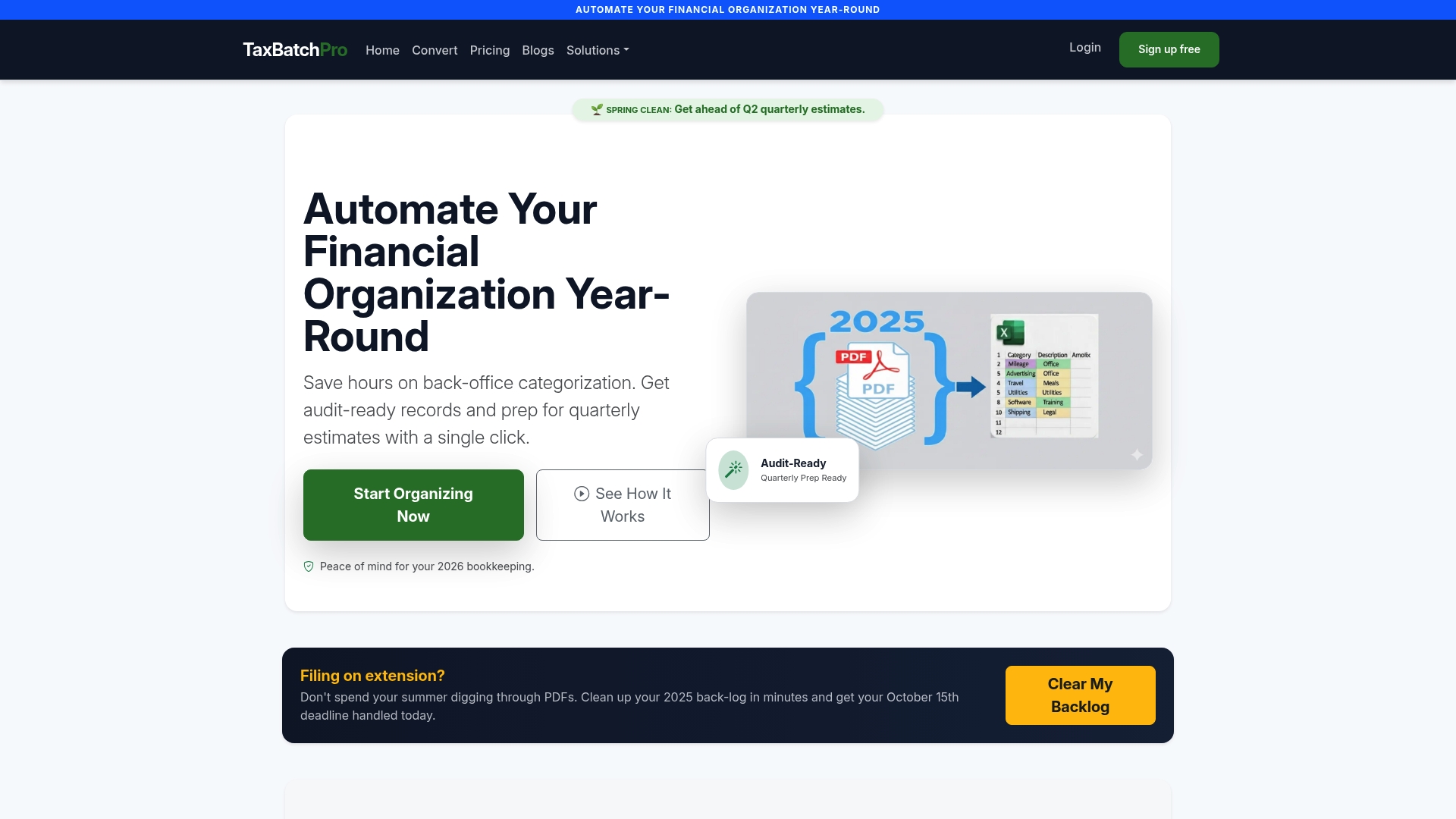
The platform is built for accountants, bookkeepers, and small business owners who need to process a year's worth of statements without manual transcription errors. Taxbatchpro handles batch statement extraction securely, keeping client data protected throughout the conversion process. For practices that need a compliant, audit-ready output from raw financial documents, secure statement conversion is the direct path from scanned PDF to structured data.
FAQ
What are the most critical best practices for client financial data handling?
The most critical practices are secure data intake with consent disclosures, least privilege access controls, data classification by sensitivity, tamper-proof audit logs retained for at least five years, and encrypted document sharing through secure portals rather than email.
How long should audit logs for client financial data be retained?
Audit logs should be retained for a minimum of five years to support compliance reviews and forensic investigations. Logs must be tamper-proof and detailed enough to reconstruct every data access and change event.
What is the safest way to share client financial documents?
Use encrypted client portals and maintain separate redacted working copies that show only the last four digits of sensitive identifiers such as Social Security Numbers and account numbers. Document every sharing event and obtain written client authorization before transmitting files to third parties.
Can AI tools be used safely for client financial data?
AI tools are safe only when they are SOC 2-compliant and have training mode disabled. Free public AI models risk exposing client data to public training sets, which constitutes a confidentiality breach.
How does automation reduce errors in financial data workflows?
Automated extraction and validation systems reduce manual transcription errors to less than 0.1% per client by applying structured business logic before data enters accounting software. This is a significant improvement over manual entry, which typically produces 1–3 errors per client file.