Tax-Ready Financial Reports: Examples for Small Businesses

Tax-ready financial reports are defined as a structured set of financial statements and supporting documents prepared specifically to meet IRS filing requirements and bookkeeping standards. For small business owners and freelancers, having clear examples of tax ready financial reports removes the guesswork from tax season and reduces the risk of costly errors or audit triggers. A complete package includes at least four core components: a Profit and Loss Statement, a Balance Sheet, a Cash Flow Statement, and a detailed income and expense breakdown. Each document must align with IRS standards and be supported by receipts, invoices, and bank statements that substantiate every entry.
1. Examples of tax-ready financial reports every small business needs
A tax-ready report package includes four core financial statements plus supporting documentation. Each one serves a distinct purpose in proving income, expenses, and financial position to the IRS.
Profit and Loss Statement (Income Statement)

The Profit and Loss Statement shows total revenue minus total expenses for a defined period. For tax purposes, it must separate deductible business expenses by category, such as advertising, office supplies, contract labor, and vehicle costs. Freelancers filing IRS Schedule C use this statement as the primary source for reporting net profit or loss.
Balance Sheet
The Balance Sheet reports assets, liabilities, and owner's equity at a specific date. Tax-ready versions include current assets (cash, accounts receivable), fixed assets (equipment, vehicles), current liabilities (credit card balances, short-term loans), and long-term liabilities (mortgages, SBA loans). The equity section reflects the owner's stake after all obligations.
Cash Flow Statement
The Cash Flow Statement tracks money moving in and out across three categories: operating activities, investing activities, and financing activities. The IRS uses this document to verify that reported income matches actual cash received. A mismatch between the Profit and Loss Statement and the Cash Flow Statement is a common audit trigger.
Detailed income and expense breakdown
This supplemental report lists every transaction by category and date. It functions as the line-item backup for the Profit and Loss Statement. Tax preparers rely on it to confirm that each deduction is legitimate and properly classified.
Supporting documentation
Every entry in the above reports must be backed by a source document. The standard set includes bank statements, credit card statements, receipts, vendor invoices, payroll records, and loan documents.
Pro Tip: Organize supporting documents by month and by expense category. A folder structure that mirrors your Profit and Loss categories cuts document retrieval time during an audit from hours to minutes.
2. How tax-basis financial statements differ from GAAP
Tax-basis financial statements use tax-specific measurement rules rather than Generally Accepted Accounting Principles (GAAP). The distinction matters because GAAP reports prepared for investors or lenders are not automatically usable for IRS filing.
The most common differences include:
- Depreciation method: Tax-basis reports use MACRS (Modified Accelerated Cost Recovery System) depreciation. GAAP reports typically use straight-line depreciation. The two methods produce different expense figures for the same asset.
- Revenue recognition: Cash-basis tax reports record income when cash is received. GAAP accrual reports record income when earned, regardless of payment timing.
- Report titles: Tax-basis statements are formally titled "Income Tax Basis" reports. The income statement equivalent is called a "Statement of Revenues and Expenses" rather than a Profit and Loss Statement.
- Accruals: Cash-method filers exclude accounts receivable and accounts payable from their tax-basis Balance Sheet entirely.
Without tax-basis adjustments, tax preparers must redo the underlying work, which increases preparation costs and delays filing. Preparing GAAP-only reports and handing them to a CPA at tax time is one of the most expensive mistakes a small business owner can make.
Pro Tip: Ask your bookkeeper to label your reports explicitly as "Income Tax Basis" at the top of each statement. This signals to any reviewer that the figures already reflect tax-specific adjustments.
3. Monthly and annual tax-ready report templates
Financial reports should follow a general-to-specific structure with an executive summary at the top, followed by core statements, variance analysis, and recommendations. This structure helps tax preparers assess the big picture before reviewing line-item detail.
Monthly report template structure
A monthly tax-ready report typically contains:
| Section | Content |
|---|---|
| Executive summary | Net income, total revenue, total expenses for the month |
| Income statement | Revenue by category, cost of goods sold, gross profit, operating expenses, net income |
| Balance sheet | Current assets, fixed assets, current liabilities, long-term liabilities, equity |
| Cash flow summary | Operating, investing, and financing cash flows |
| Reconciliation confirmation | Bank and credit card accounts reconciled and confirmed |
Annual report template structure
The annual version expands the monthly format with a full-year variance analysis comparing actual figures to prior year or budget. It also includes an executive summary that covers year-end tax position, estimated tax liability, and any significant changes in assets or liabilities. The annual report is the primary document your CPA uses to prepare your tax return.
Digital submission increasingly requires machine-readable formats such as iXBRL. PDF or Excel files alone can cause rejection of returns in jurisdictions that mandate tagged data. Small businesses filing in those jurisdictions need reports that are both human-readable and machine-tagged.
Pro Tip: Set a calendar reminder on the first business day of each month to close the prior month's books. Monthly closes prevent the year-end bottleneck that forces rushed, error-prone reporting.
4. Best practices for preparing tax-ready financial reports
Monthly bank and credit card reconciliations are the single most effective practice for maintaining clean, audit-ready financials. Waiting until tax season to reconcile creates miscategorization errors that cascade through every report in the package.
Follow these practices year-round:
- Reconcile every account monthly. Match every transaction in your accounting records to the corresponding bank or credit card statement line. Unreconciled accounts are the leading source of discrepancies in tax-ready reports.
- Categorize transactions at the point of entry. Assign every expense to an IRS Schedule C category when it is recorded, not at year-end. Retroactive categorization is slower and less accurate.
- Maintain a document retention system. Store receipts, invoices, and bank statements in a cloud-based folder organized by year and month. The IRS recommends retaining business records for at least three years.
- Apply your accounting framework consistently. Consistent framework application reduces audit adjustments more than framework selection does. Switching between cash and accrual mid-year creates reporting gaps that trigger IRS scrutiny.
- Use automation for data extraction. Manual transcription of bank statement data introduces errors at every step. Automated extraction tools convert raw statement data into categorized, structured records that feed directly into your reports.
Tax authorities use automated cross-checking between submitted tax returns and financial reports. Figures that do not match across documents trigger audits. Automation reduces the risk of mismatched figures by eliminating manual re-entry.
5. Common features across tax-ready financial report types
Tax-ready financial reports share a consistent set of features regardless of business size or filing method. Understanding these features helps you evaluate whether your current reports meet compliance standards.
| Feature | Summary report | Detailed report |
|---|---|---|
| Income coverage | Total revenue by major category | Revenue by transaction, client, or product |
| Expense coverage | Expenses by IRS Schedule C category | Line-item expenses with dates and vendors |
| Asset and liability data | Totals only | Account-level breakdown |
| Cash flow data | Net operating cash flow | Full three-section statement |
| Supporting docs required | Bank statements, summary reconciliation | Receipts, invoices, payroll records, loan docs |
| Best suited for | Sole proprietors with simple finances | LLCs, S-corps, businesses with employees |
Summary reports work for freelancers with straightforward income and a small number of expense categories. Detailed reports are necessary for businesses with employees, inventory, or multiple revenue streams. Both formats must align with the same IRS standards; the difference is depth, not compliance level.
Regulatory requirements vary by entity size. Larger entities may require audited financial statements, while smaller ones can use reviewed or internally prepared statements following IFRS or tax-basis accounting. Knowing which level applies to your business prevents over-preparation and under-preparation alike.
Key takeaways
Tax-ready financial reports require four core statements, tax-basis adjustments, monthly reconciliations, and consistent documentation to meet IRS standards and withstand audit scrutiny.
| Point | Details |
|---|---|
| Four core statements required | Every tax-ready package needs a Profit and Loss Statement, Balance Sheet, Cash Flow Statement, and expense breakdown. |
| Tax-basis differs from GAAP | Use MACRS depreciation and cash-basis rules; label reports "Income Tax Basis" to signal compliance. |
| Monthly reconciliation is non-negotiable | Reconciling accounts monthly prevents the cascading errors that make year-end reporting unreliable. |
| Consistent framework reduces audit risk | Applying one accounting framework consistently matters more than which framework you choose. |
| Automation improves data integrity | Automated extraction eliminates manual transcription errors that cause mismatches between returns and reports. |
What I've learned about tax readiness after years of watching businesses file
Most small business owners treat tax-ready financial reports as a once-a-year project. That framing is the root cause of most filing problems I've seen. Tax readiness is a year-round discipline, not a sprint in april.
The businesses that file cleanly every year share one habit: they close their books monthly. They do not wait for their accountant to ask for records. They reconcile, categorize, and file supporting documents as they go. By the time december arrives, their year-end report is mostly already done.
The second pattern I've noticed is that business owners who understand the difference between GAAP and tax-basis accounting save real money. When you hand a CPA a GAAP report and ask them to prepare your taxes, you are paying them to do conversion work that your bookkeeper could have handled at a fraction of the cost. Preparing tax-basis statements from the start eliminates that duplication.
The third thing worth saying plainly: reducing bookkeeping errors is not about being more careful. It is about building systems that make errors structurally unlikely. Automation, consistent categorization, and monthly closes are systems. Trying harder at year-end is not.
If you are a freelancer or small business owner reading this, the most valuable thing you can do today is not to find a better template. It is to commit to closing your books on the first of every month, without exception.
— Ian
How Taxbatchpro supports tax-ready report preparation
Preparing compliant financial reports starts with clean, structured transaction data. For many small businesses and freelancers, that data is locked inside scanned bank and credit card statement PDFs.
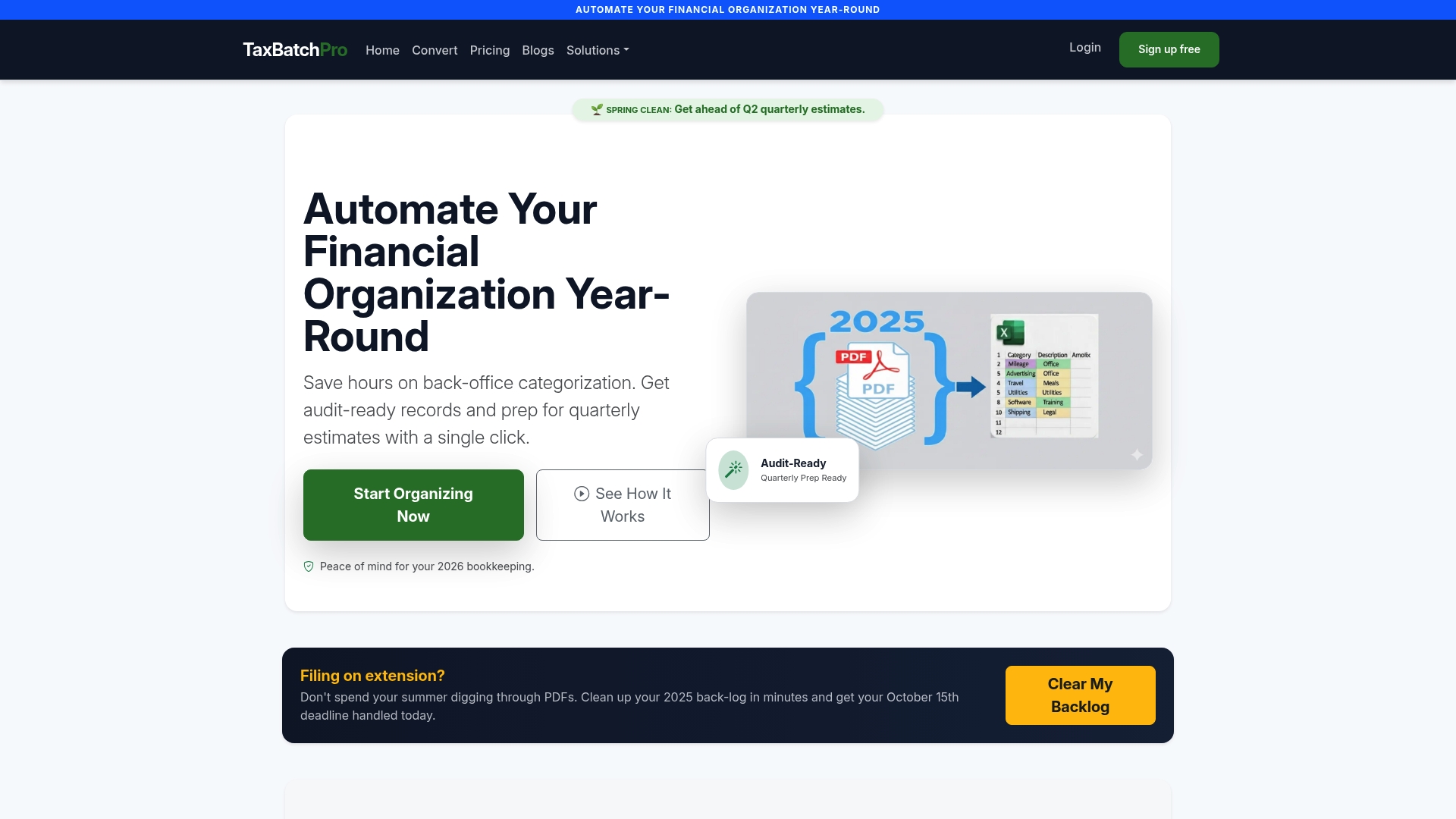
Taxbatchpro converts those PDFs into structured Excel spreadsheets in under 90 seconds, with transactions automatically mapped to IRS Schedule C categories. The platform handles batch uploads, eliminates manual transcription, and produces IRS-ready statement conversions that feed directly into your tax-ready report package. For accountants managing multiple clients, the statement extraction tools reduce data preparation time and improve accuracy across every engagement. Clean input data means clean reports, and clean reports mean fewer audit triggers.
FAQ
What are the four core tax-ready financial reports?
A complete tax-ready package includes a Profit and Loss Statement, a Balance Sheet, a Cash Flow Statement, and a detailed income and expense breakdown. Each must be supported by source documents such as bank statements, receipts, and invoices.
How do tax-basis financial statements differ from GAAP reports?
Tax-basis statements use rules like MACRS depreciation and cash-basis revenue recognition instead of GAAP standards. They are formally titled "Income Tax Basis" reports and reflect taxable income rather than economic income.
How often should I reconcile my accounts for tax readiness?
Monthly reconciliations are the standard for maintaining audit-ready financials. Waiting until tax season to reconcile creates miscategorization errors that are difficult and costly to correct.
What supporting documents must accompany tax-ready financial reports?
Every line item in a tax-ready report must be backed by a source document. The required set includes bank statements, credit card statements, vendor invoices, receipts, payroll records, and loan documents.
Do digital tax reports need a special format?
Digital submissions increasingly require machine-readable formats such as iXBRL. PDF or Excel files alone can cause return rejection in jurisdictions that mandate tagged data, so verify the filing requirements for your specific entity type and location.
Recommended
- What Is a Client-Ready Financial Report? - TaxBatchPro Blog - TaxBatchPro
- IRS-Ready Statement Conversion - TaxBatchPro
- Expense Report Preparation: A Guide for Small Businesses - TaxBatchPro Blog - TaxBatchPro
- What Is Tax-Ready Bookkeeping? A Guide for Small Businesses - TaxBatchPro Blog - TaxBatchPro