What a Bank Statement Audit Trail Actually Proves

A bank statement audit trail is a chronological, tamper-evident record that lets you reconstruct every reconciliation action taken on a bank account: who touched it, when, why, and against what original bank evidence. It's the difference between showing your numbers match and proving how they got that way. Without it, a clean reconciliation is just an assertion.
The primary value is reconstructability. An examiner, a partner reviewing your work, or a regulator six months from now should be able to trace any adjusted balance back to a decision someone made, on a specific date, for a documented reason.
At minimum, your audit trail needs:
- The identity of who performed each matching or adjusting action
- A timestamp for every event, ideally in ISO8601 format
- A reference back to the original bank-issued statement or confirmation
- A recorded reason for any manual override or adjustment
Key Takeaways
A defensible bank statement audit trail requires event-level logging, document provenance, and sign-off records working together, not a clean reconciliation schedule alone.
| Point | Details |
|---|---|
| Trail versus schedule | The reconciliation schedule shows the numbers match; the audit trail proves who did the matching and why. |
| Capture provenance first | Log file hashes, timestamps, and user IDs on every event to make the record reconstructable. |
| Confirm directly with banks | Follow ISA 505 / AU-C 505 practice and obtain balance confirmations from the institution, not the client. |
| Run the balance chain check | Recomputing running balances across every row is the fastest way to catch a tampered statement. |
| Automate the provenance layer | TaxBatchPro captures file hashes, extraction timestamps, and Schedule C mappings automatically during batch conversion. |
Table of Contents
- What Is a Bank Statement Audit Trail Supposed to Demonstrate?
- Which Data Fields Belong in an Audit Trail?
- How Do Audit Standards Treat Bank Reconciliation Evidence?
- How Do You Audit a Bank Reconciliation Step by Step?
- What Are the Warning Signs of a Manipulated Bank Statement?
- How Should You Store and Protect Audit-Trail Records?
- Can Automation Actually Improve Audit-Trail Completeness?
- Reconstructing One Reconciling Item: A Walkthrough
- What Daily Habits Keep an Audit Trail Reliable?
- Where Reconciliation Teams Actually Break Down
- A Faster Path to a Complete Audit Trail
- Sources
What Is a Bank Statement Audit Trail Supposed to Demonstrate?
Functionally, an audit trail is a chronological, reconstructable record tied to source documents. It answers the "who, what, when, and why" behind every reconciling action. That's a distinct job from the reconciliation schedule itself, which is just the "what": the numbers that tie the bank balance to the general ledger.
The schedule shows two figures agree. The audit trail shows the work behind that agreement, including approvals, overrides, and the reasoning for anything that didn't match automatically. An auditor examining an unreconciled item doesn't just want to see that it eventually zeroed out. They want to see who investigated it, what evidence they pulled, and who signed off on the resolution.
This distinction becomes material the moment external scrutiny enters the picture:
- Statutory or external financial statement audits requiring corroborating evidence beyond management's own numbers
- Loan covenant compliance reviews where lenders want proof of reconciliation discipline, not just clean balances
- Internal control assessments under frameworks like COSO, where segregation of duties has to be demonstrable
- Fraud investigations, where the sequence of actions matters as much as the final figures
If your reconciliation process can't produce that action-level record on demand, you don't have an audit trail. You have a spreadsheet with a good ending balance and no way to defend how it got there.
Which Data Fields Belong in an Audit Trail?
An effective trail captures three layers: the event itself, the document it touches, and the outcome it produces. Skip any layer and you leave a gap an examiner will find.
- Event-level fields. Every match, unmatch, or adjustment needs an ISO8601 timestamp, a user ID (not a shared login), an action type, a free-text reason or comment, and a reference to the specific transaction ID it affects.
- Document provenance. The trail should tie back to a file hash of the original statement PDF, the original filename, the source channel (direct bank feed versus a client-uploaded scan), and any metadata timestamps embedded in the file itself.
- Reconciliation outcomes. Each resolved item needs a link to its general ledger entry, a reference number for any adjusting journal entry, and a supervisor sign-off where materiality thresholds require one.
- System protections. The platform holding all of this needs append-only logs, so nothing can be edited after the fact, plus digital signatures on archived records and access controls that limit who can modify entries versus who can only view them.
Vendor implementations show what this looks like in practice. Mambu's audit-trail documentation exposes fields like event_source, username, request_uri, and occurred_at, with query parameters that let an investigator filter by user, date range, or resource. NetSuite's bank feeds audit trail follows a similar pattern, logging date created, user, action, and interpretation for every transaction event.
Pro Tip: If your current reconciliation tool can't export a filtered log by user and date range in under a minute, you don't have an audit trail. You have a database with no retrieval path, which is functionally the same as having nothing.
How Do Audit Standards Treat Bank Reconciliation Evidence?
Bank-originated evidence carries more weight in an audit than management-prepared reconciliations, and the standards reflect that hierarchy directly. Under ISA 505 and AU-C 505 practice, auditors are expected to obtain confirmations directly from the financial institution rather than accept a client-provided statement at face value, because third-party confirmation removes the risk of management override.
That confirmation doesn't replace your audit trail. It complements it. The confirmed balance tells the auditor what the bank says the account held on a given date. Your audit trail tells them how you got from that number to your final ledger balance, including every adjustment along the way. One insight from audit-confirmation practice makes this pairing explicit: confirmations provide the independent balance, while the trail proves the reconciliation work itself.
The EPC's guidance on audit trails in security systems sets out what auditable events should look like in payments-adjacent systems: a chronological record sufficient to reconstruct and examine events, cryptographic signing of records, and archival to write-once media. That principle applies just as well to reconciliation platforms as it does to payment rails.
During fieldwork, auditors read your trail three ways:
- Confirmation testing: matching the bank-confirmed balance to what your reconciliation schedule claims
- Cut-off testing: verifying transactions near period-end landed in the correct accounting period
- Tracing: following individual reconciling items from the bank statement through to their GL disposition and sign-off
A seven-step audit procedure common in confirmation-vendor practice runs through statement collection, confirmation, reconciliation, cut-off testing, tracing, related-party review, and archival. Complex engagements can take weeks to complete once confirmations come back, which is exactly why a clean, queryable trail speeds up fieldwork instead of adding to it.
How Do You Audit a Bank Reconciliation Step by Step?
Auditing a reconciliation isn't the same as performing one. You're verifying someone else's work and the evidence trail behind it. Here's the sequence that holds up under review.
- Gather your evidence set. Pull the bank statements, any confirmations already obtained, the client's reconciliation schedule, and the underlying GL detail for the period.
- Verify provenance and file integrity. Check file hashes against what's logged in the system, inspect document metadata for inconsistencies, and recompute the running balance chain across every line of the statement.
- Perform cut-off testing. Focus specifically on transactions dated within a few days of period-end to catch timing manipulation.
- Trace every reconciling item. Follow each one to its supporting documentation, confirm the matching action is logged in the trail, and verify the required approvals exist.
- Document unresolved differences precisely. Escalate anything that doesn't tie out, with exact timestamps and the name of the reviewer who owns the open item.
- Archive the signed-off evidence. Tag it with retention metadata before you close the file.
A few things trip up reviewers at each stage:
- Confirmations that arrive with a different balance than the client's reconciliation started from
- File hashes that don't match, suggesting a statement was edited after the fact
- Reconciling items with no linked approval, even though the amount clears materiality thresholds
- Gaps in the trail around specific dates, often clustering right before period-end
If your process for reconciling card statements runs into similar discrepancy patterns, the same tracing logic applies. A credit card statement reconciliation guide walks through comparable steps for teams working with card feeds instead of bank accounts.
What Are the Warning Signs of a Manipulated Bank Statement?
Most tampering leaves a trace somewhere, either in the document itself or in the arithmetic. Knowing where to look cuts investigation time dramatically.
Document-level checks come first: inspect the PDF's metadata for a creation or modification date that doesn't match the claimed statement period, and look for font or layout inconsistencies that suggest a section was edited in a consumer PDF editor rather than generated by the bank's own system. Practitioner guidance on bank statement analysis treats these document-level indicators as a reliable first filter before deeper analysis.

The arithmetic check matters more than any visual inspection. Balance chain verification means recomputing the running balance across every single row of the statement. Someone can alter one transaction amount and get away with it visually, but unless they also update every subsequent cumulative balance on the page, the chain breaks and the discrepancy is mechanical, not a matter of judgment.
Transaction-level patterns worth flagging include circular transfers between related accounts, deposits concentrated suspiciously around period-end, round-dollar amounts appearing where organic transactions rarely land on whole numbers, and timing that clusters right before a reporting deadline.
Pro Tip: Run the balance chain check before anything else. It takes minutes, it's mechanical rather than subjective, and it catches the majority of amateur alterations before you spend hours on document forensics that turn out to be unnecessary.
If a check turns up something real, preserve the original file untouched, document exactly what you found and how, and request a direct confirmation from the bank rather than accepting a revised statement from the client.
How Should You Store and Protect Audit-Trail Records?
An audit trail that can be edited after the fact isn't evidence. It's a claim. Preserving integrity starts with append-only architecture: once an event is logged, it stays logged, and corrections happen through new entries rather than overwrites. Where retention rules demand it, that means write-once media, so the underlying record can't be altered even by someone with administrative access.
Digital signatures matter here too. Signing archived files or logs means you can later prove a record hasn't been modified since it was created, which is exactly the kind of event-integrity protection EPC guidance recommends for auditable systems.
Governance controls round it out:
- Access controls that separate who can view records from who can create or approve them
- Segregation of duties, so the person who initiates a reconciling adjustment isn't also the one who signs off on it
- Protected audit logs that themselves can't be altered by the users they're tracking
- A defined retention schedule with tagging that makes export straightforward when an examiner asks
Firms building this out from scratch should look at an audit-ready records workflow designed specifically around retention and export discipline, alongside broader client financial data handling practices for firms managing sensitive records across multiple clients.
Can Automation Actually Improve Audit-Trail Completeness?
Manual reconciliation processes fail at audit-trail completeness for a predictable reason: humans skip the documentation step when they're busy, even when they do the matching correctly. Automation doesn't have that failure mode.
Statement-extraction platforms can capture several audit-trail elements automatically the moment a file is processed:
- A cryptographic hash of the original statement file at upload
- The extraction event itself, with a timestamp and the system or user who triggered it
- Automatic mapping of transactions to general ledger or tax categories, logged as a discrete event
- A record of any manual correction applied after automated extraction, distinct from the original machine-read values
That last point matters. Automation doesn't remove human judgment from the process, it isolates where judgment was applied. A reviewer can see exactly which line items came straight from the extraction engine and which ones a person overrode, which is a cleaner trail than a fully manual process typically produces.
TaxBatchPro was built around this exact problem. It converts scanned bank and credit card statement PDFs into structured Excel spreadsheets, batch-processing a year's worth of statements quickly, while automatically mapping transactions to Schedule C categories for tax prep. Every extraction produces an audit-ready export, which means the provenance layer of your trail (file source, extraction timestamp, category mapping) exists by default instead of being bolted on after the fact.
Pro Tip: Ask any statement-extraction tool you're evaluating whether it preserves the original file hash alongside the extracted data. If it doesn't, you've automated the reconciliation but not the audit trail behind it.
Reconstructing One Reconciling Item: A Walkthrough
Say a deposit on the bank statement doesn't immediately match anything in the general ledger. Here's how the trail gets built as the item gets resolved.
- The discrepancy surfaces during the matching process and gets flagged as unmatched, timestamped automatically.
- The reviewer pulls the original statement PDF and confirms its file hash against the archived copy to rule out a corrupted or altered document.
- Cross-referencing the GL turns up a delayed customer payment recorded three days later under a different reference number.
- The reviewer logs a matching action, linking the bank transaction ID to the GL entry ID, with a comment explaining the timing gap.
- A supervisor reviews the match and records sign-off, since the amount clears the firm's approval threshold.
- The complete chain, bank line, file hash, GL reference, match action, and approval, gets archived together with a retention tag.
Six entries, one discrepancy, a complete chain from bank line to sign-off.
What Daily Habits Keep an Audit Trail Reliable?
Consistency beats sophistication here. A few operational habits do most of the work.
- Set import rules that flag files without a recognizable hash or metadata signature before they enter the reconciliation queue.
- Monitor your match rate weekly. A sudden drop usually signals a formatting change upstream, not a one-off anomaly.
- Assign a service-level target for clearing exceptions, such as 48 hours, so unresolved items don't quietly age past period-end.
- Define who can approve adjustments versus who can only propose them, and don't let one person hold both roles.
- Track manual-adjustment rate and unmatched transaction volume monthly. Rising numbers on either metric usually mean a process problem worth fixing before it compounds. Teams looking to cut recurring errors at the source may find useful patterns in proven ways to reduce bookkeeping errors.
Where Reconciliation Teams Actually Break Down
The failure I see most often isn't fraud or negligence. It's teams treating the reconciliation schedule as the finish line and skipping the trail behind it entirely. Missing file provenance, informal retention habits, and taking a client's word for a confirmed balance instead of going to the bank directly all show up in the same audits, year after year.
The highest-return fix is boring: automate extraction so provenance capture isn't optional, and require sign-off logging on every adjustment above a set threshold. Neither takes a policy overhaul. Both close the gap that turns a clean-looking reconciliation into a real problem during an actual audit.
— Ian
A Faster Path to a Complete Audit Trail
Building a defensible audit trail by hand means someone has to remember to capture the file hash, log the timestamp, and record the reasoning behind every match, every single time. TaxBatchPro removes that dependency by capturing it automatically the moment a statement gets processed.
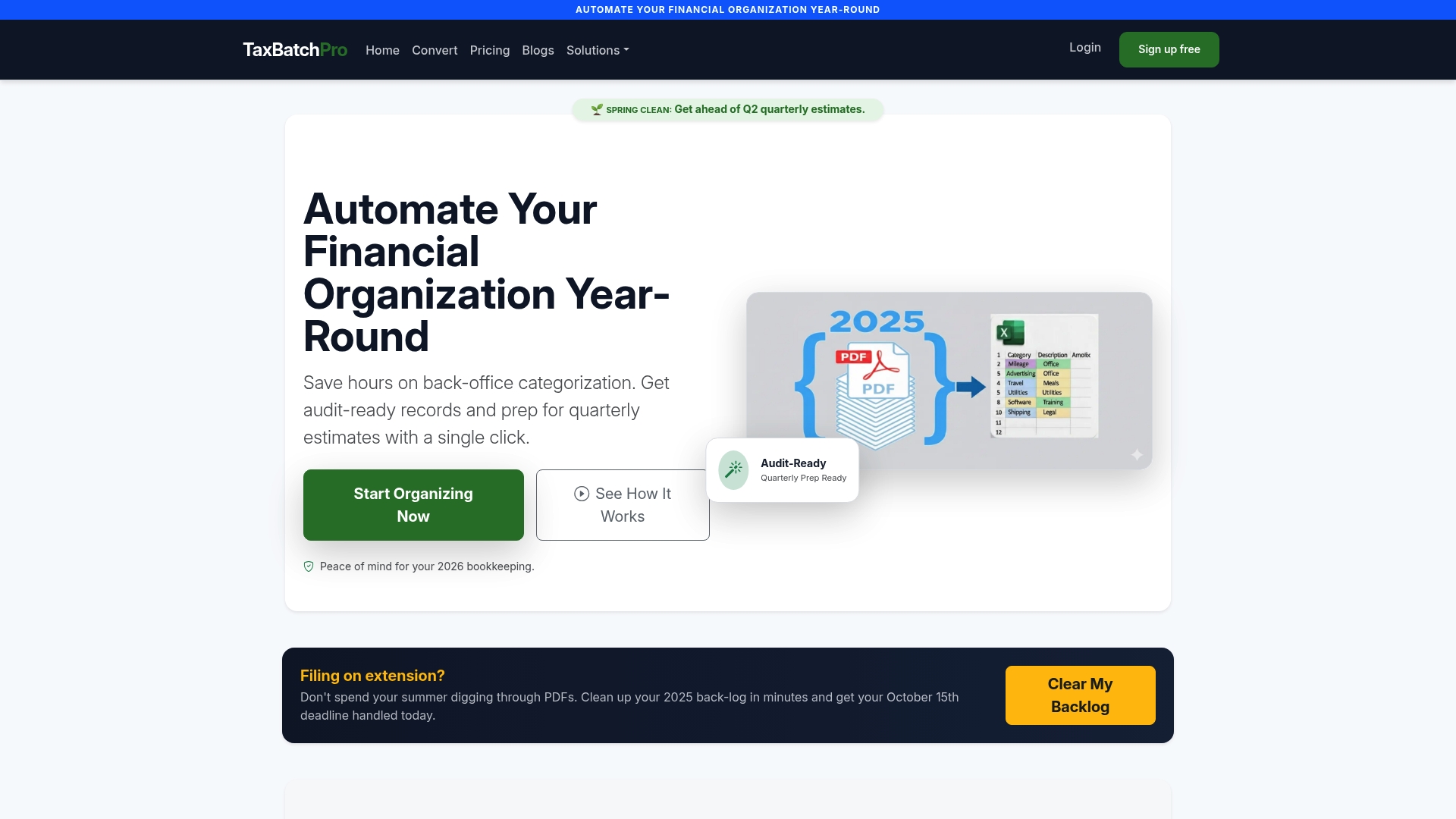
The platform converts scanned bank and credit card statement PDFs into structured Excel files, maps transactions to Schedule C categories, and produces audit-ready exports as a byproduct of normal processing rather than a separate compliance task. For firms handling reconciliations across multiple clients, that means the provenance layer of your audit trail exists before an examiner ever asks for it. Teams verifying payment data integrity alongside their reconciliations may also want to review secure payment process guidance for account validation practices that pair well with statement-level controls.
If you're an accountant or firm managing statement reconciliations for multiple clients, start with the accountant-focused platform features to see how batch processing fits into your existing review workflow.